Windows 10 / 11 · macOS
Convert, edit and manage your embroidery designs in one place.
Try free, upgrade to Pro when you need the full feature set.
Free Download
Free
No sign-up
Standard Edition — v2.0
Download the free version for your platform and try the full interface. Upgrade to Pro to unlock all features.
★ Pro License
$49
one-time · USD
Pro Edition — v2.0
One license key works on both Windows and Mac. Purchase, paste your key into the app, and all Pro features unlock instantly.
Pro-only features
Full format conversion
Design editor
Design PDF export
Design library
Image export
500+ Designs
🛡 30-day money-back guarantee · License key delivered to your email
The application has 5 main tabs: Converter · Editor · Library · Design PDF · Export
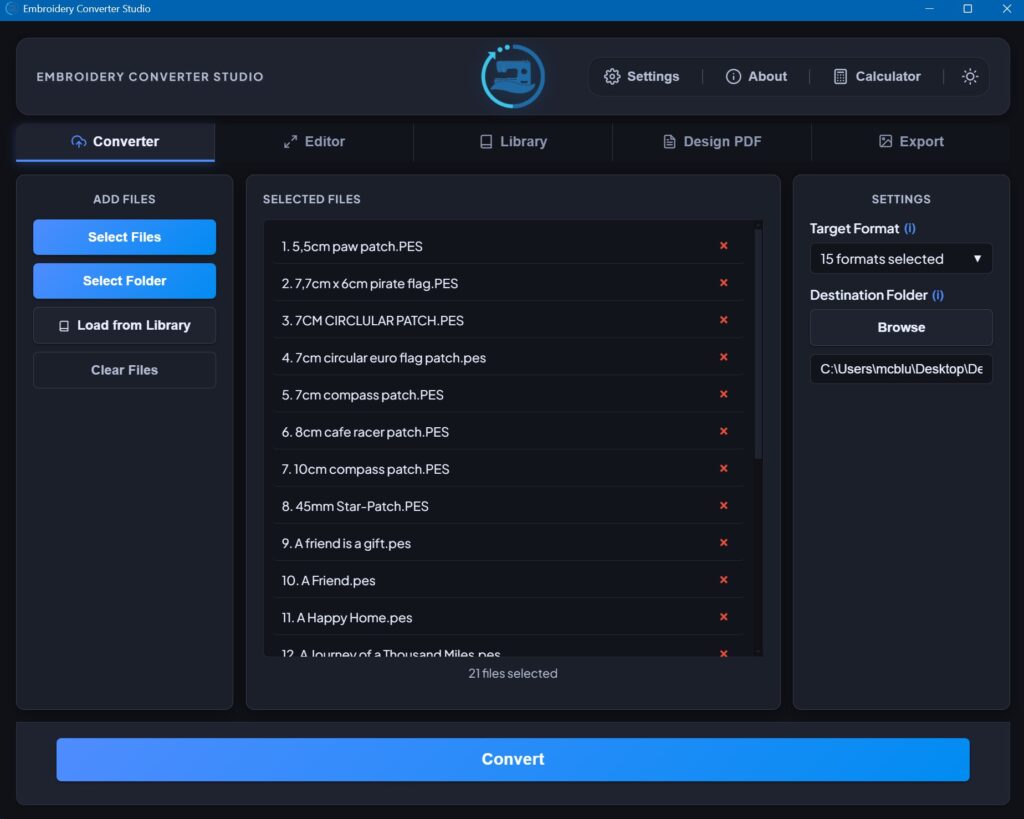
Converter Tab
Convert embroidery files between formats in bulk. Load your designs, choose your output format, and convert in one click.
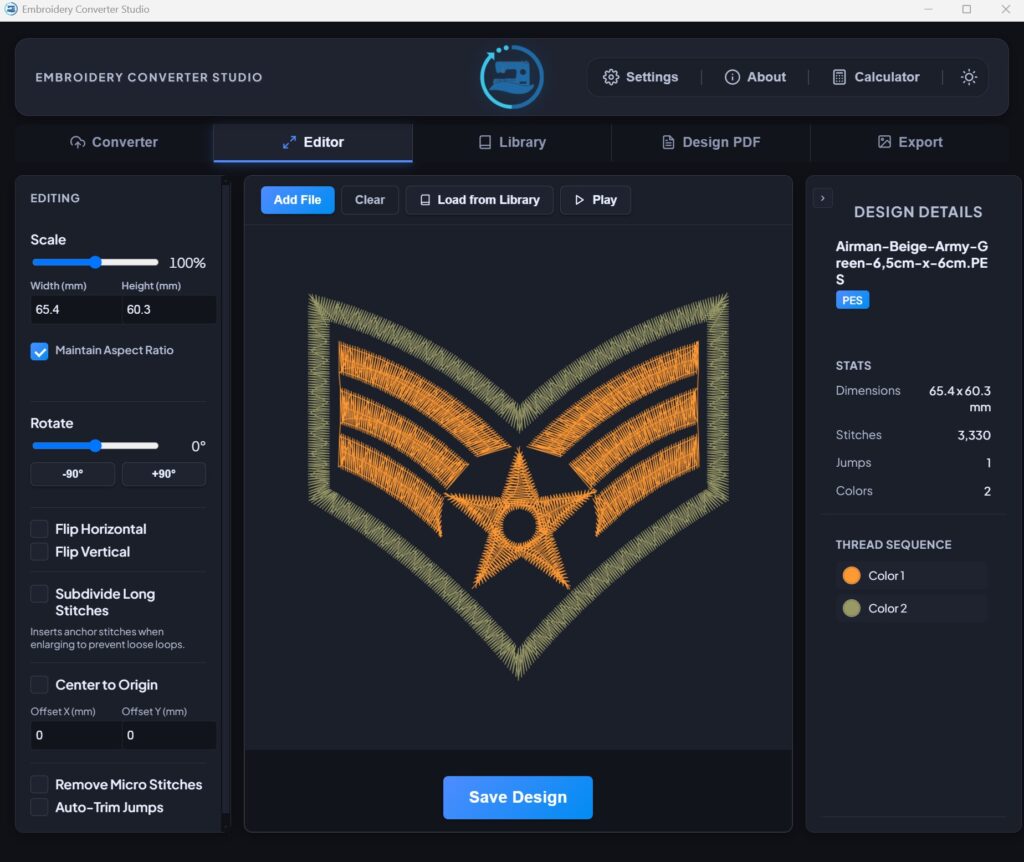
Editor Tab
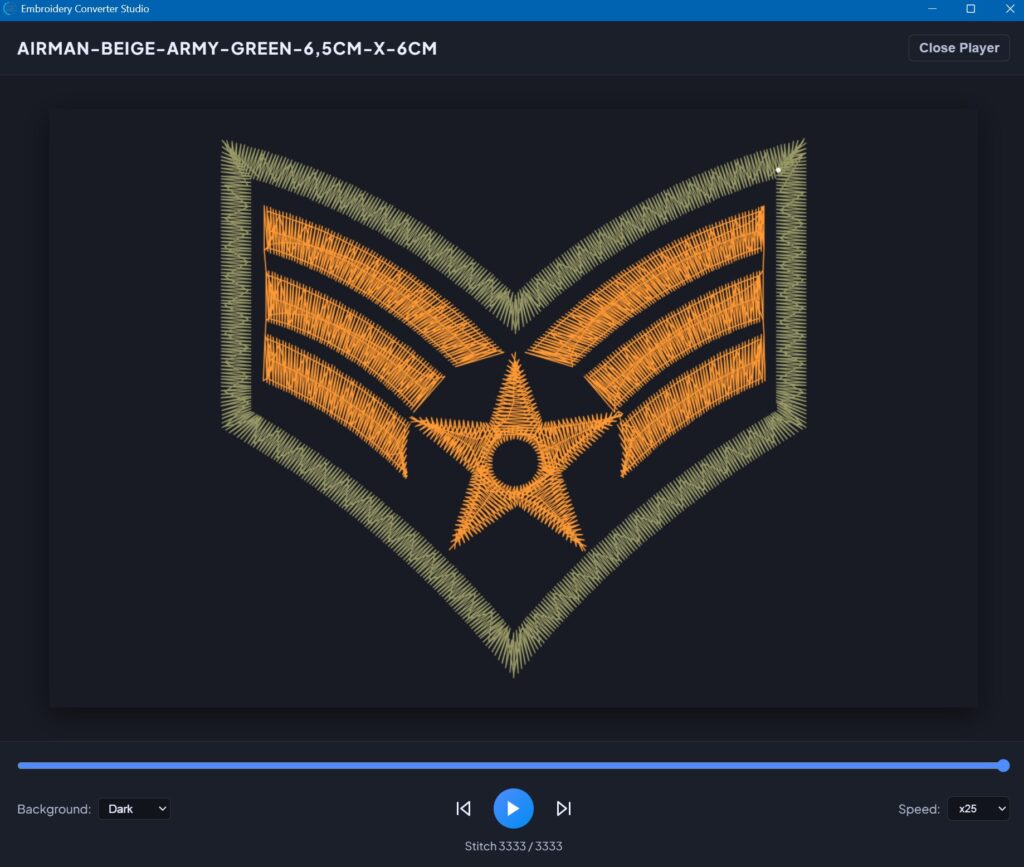
View and edit your embroidery designs. The Stitch Player is also accessible from here — animate your design stitch-by-stitch to check the sew-out sequence.
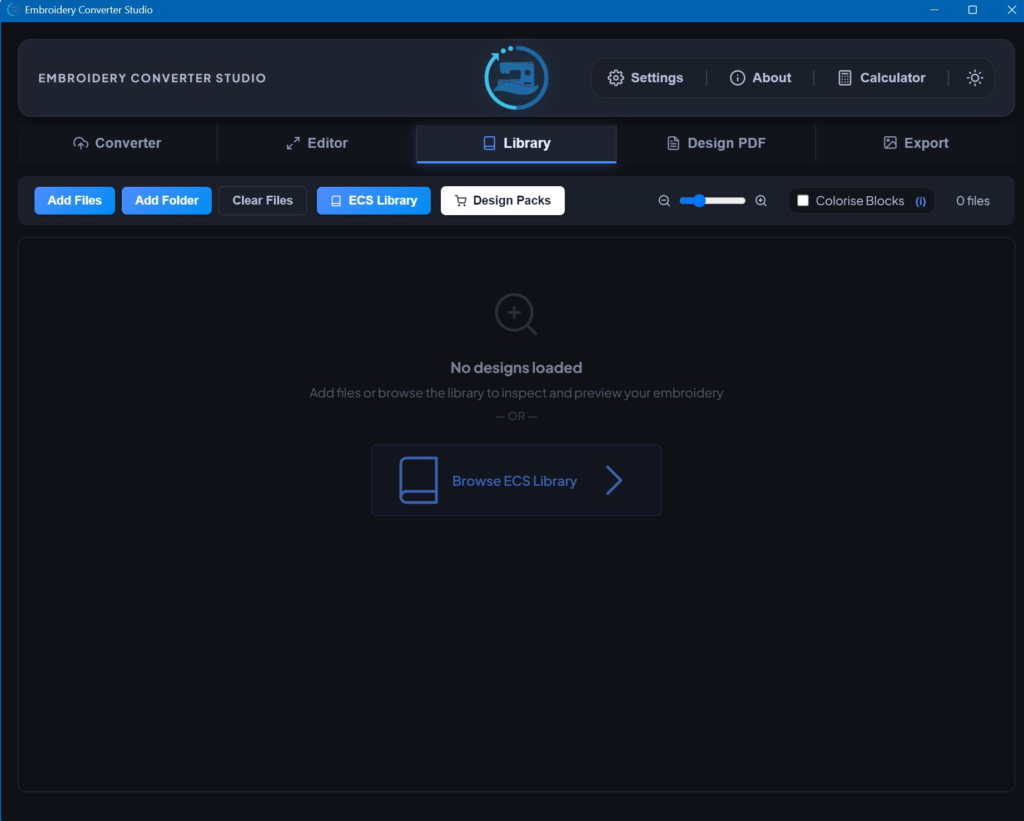
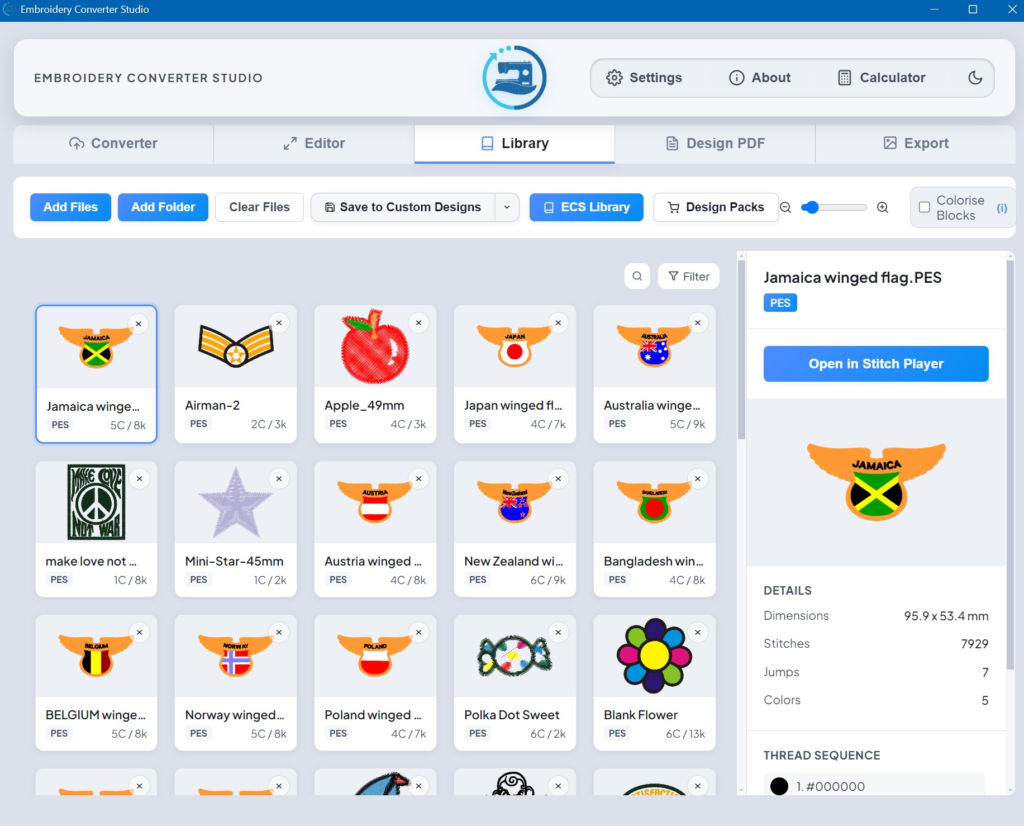
Library Tab
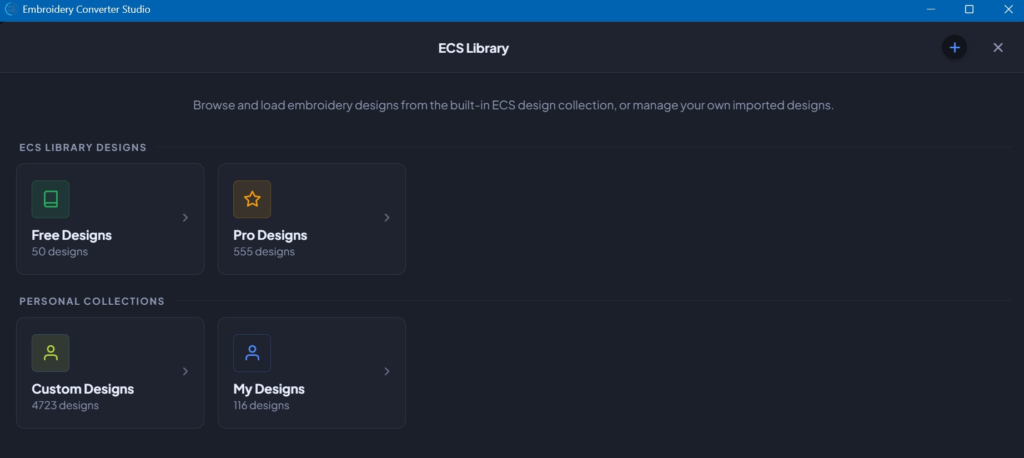
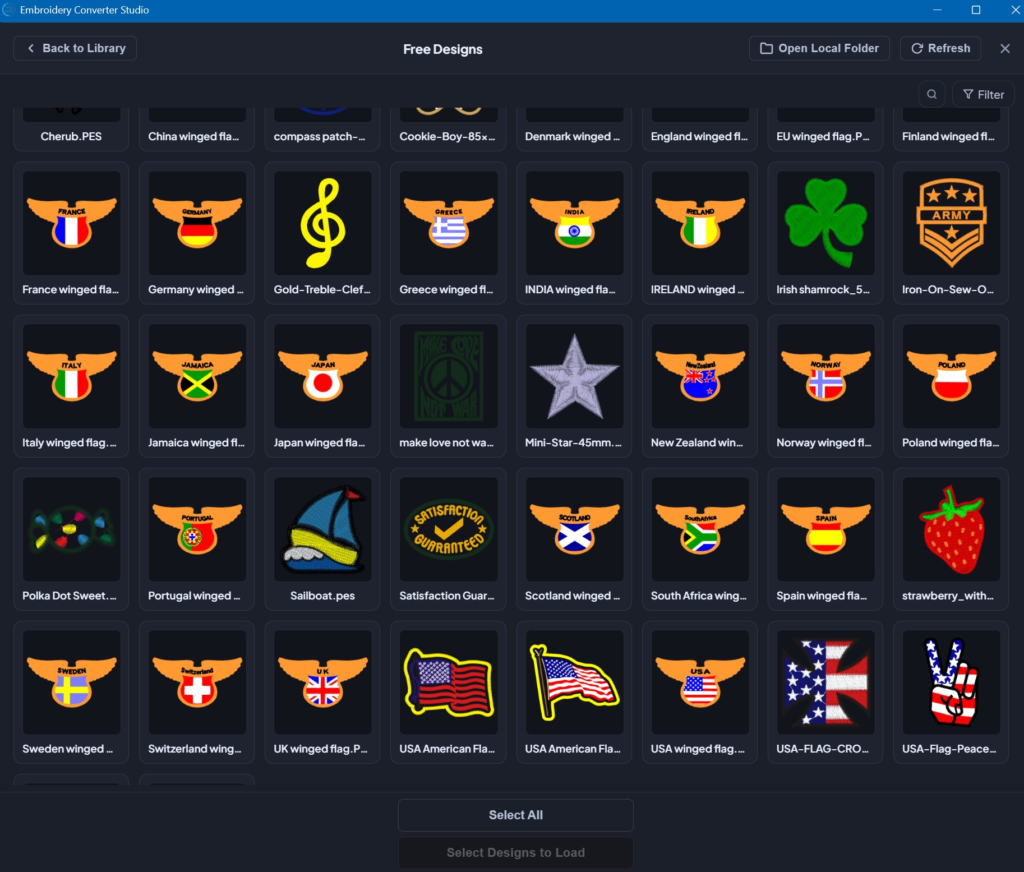
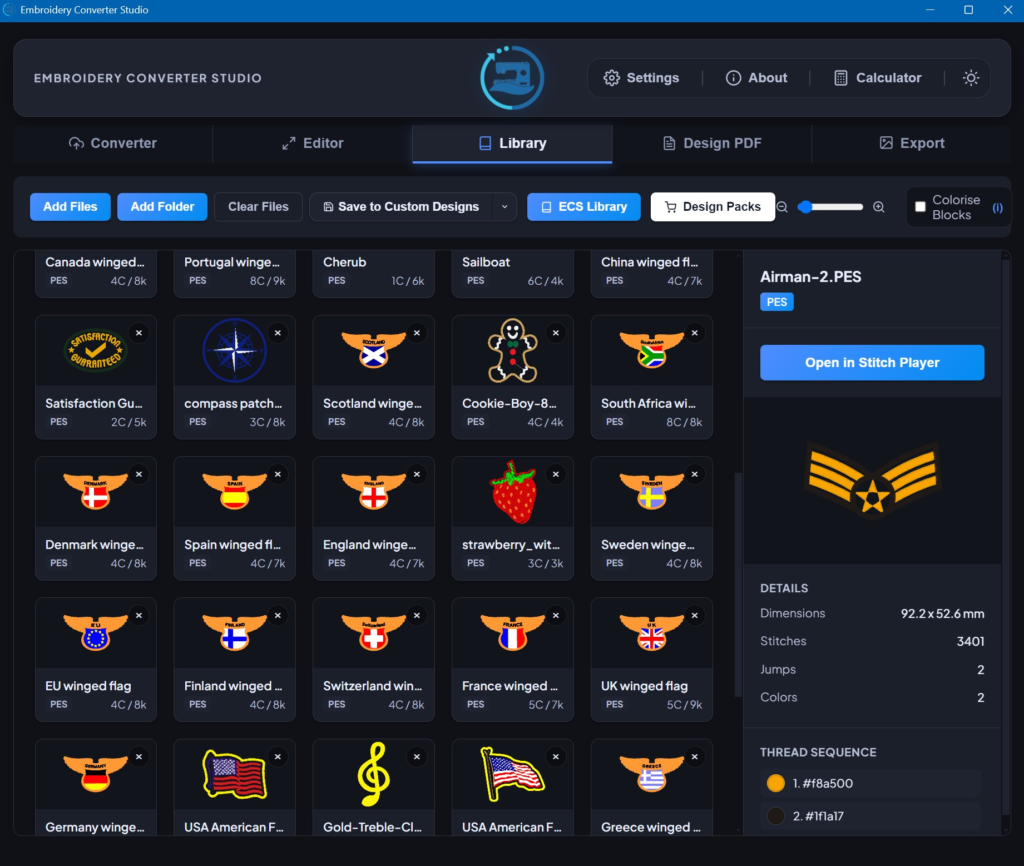
Browse and manage your design collection. Import from your computer or the built-in ECS free designs folder — select individual designs or choose select all, and they’ll load with blue tick indicators.
Design PDF Tab
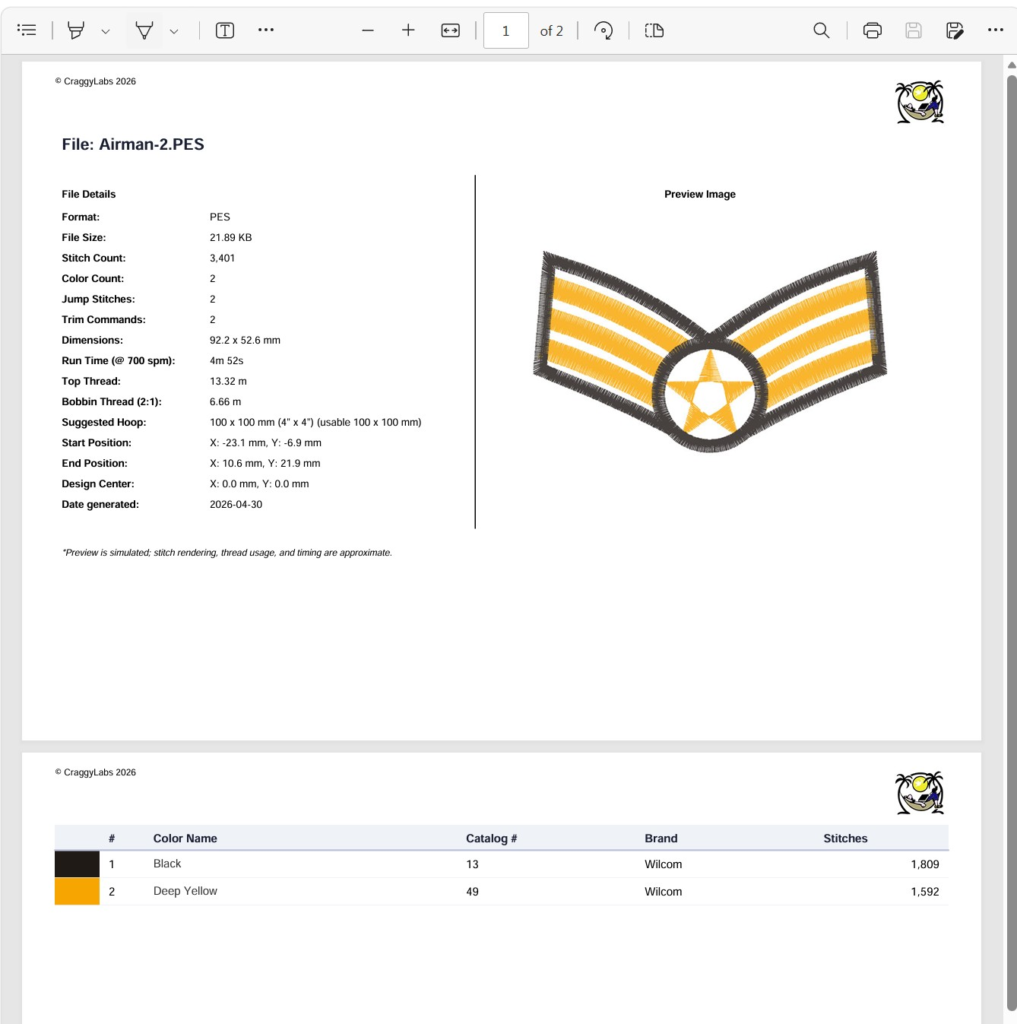
Generate printable PDF sheets for your embroidery designs — including a custom copyright text and logo. Useful for sharing design specs or building a portfolio.
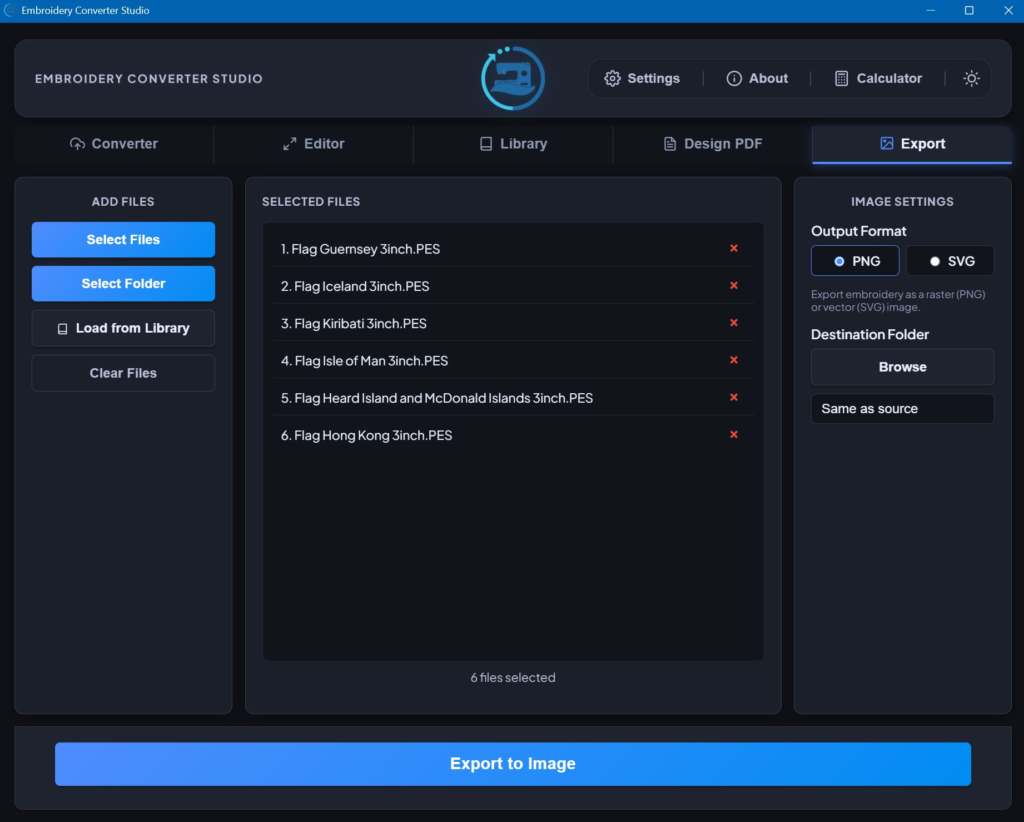
Export Tab
Extract images from your embroidery files — useful for creating previews, product listings, or documentation.
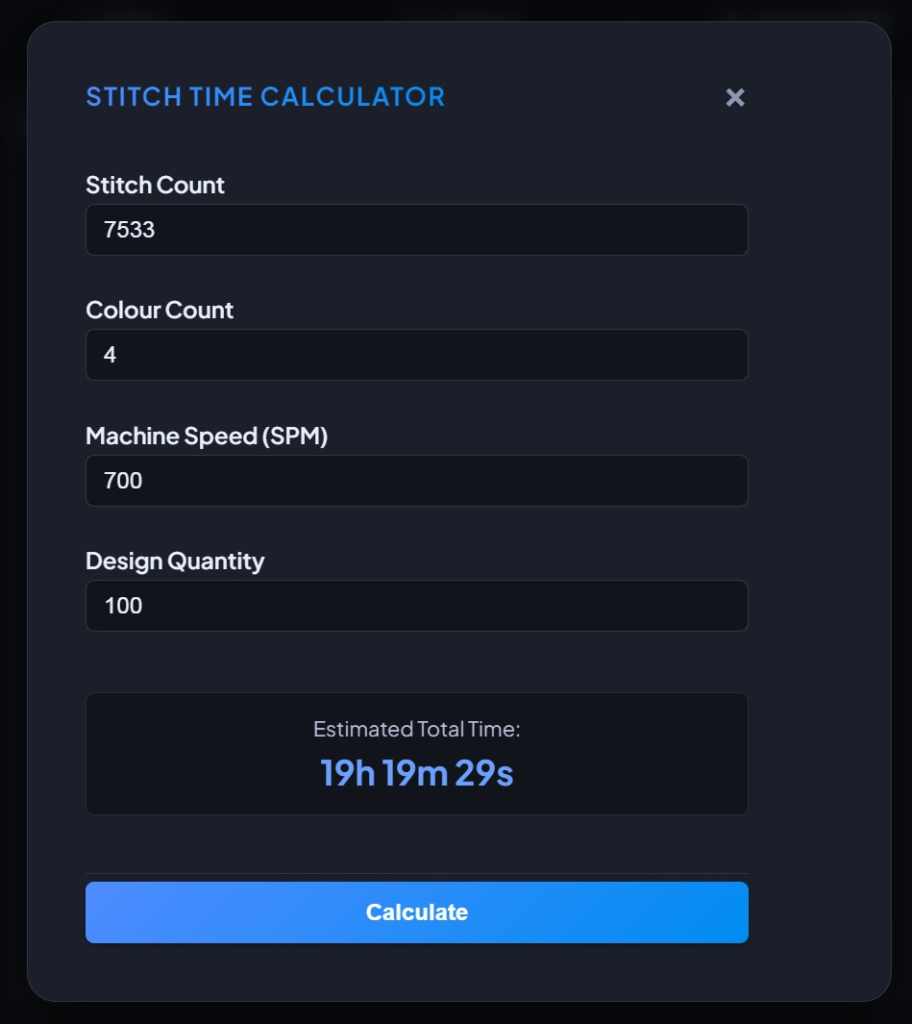
Stitch Time Calculator
Click the calculator icon at the top right of the app to estimate machine sew-out time for any design.
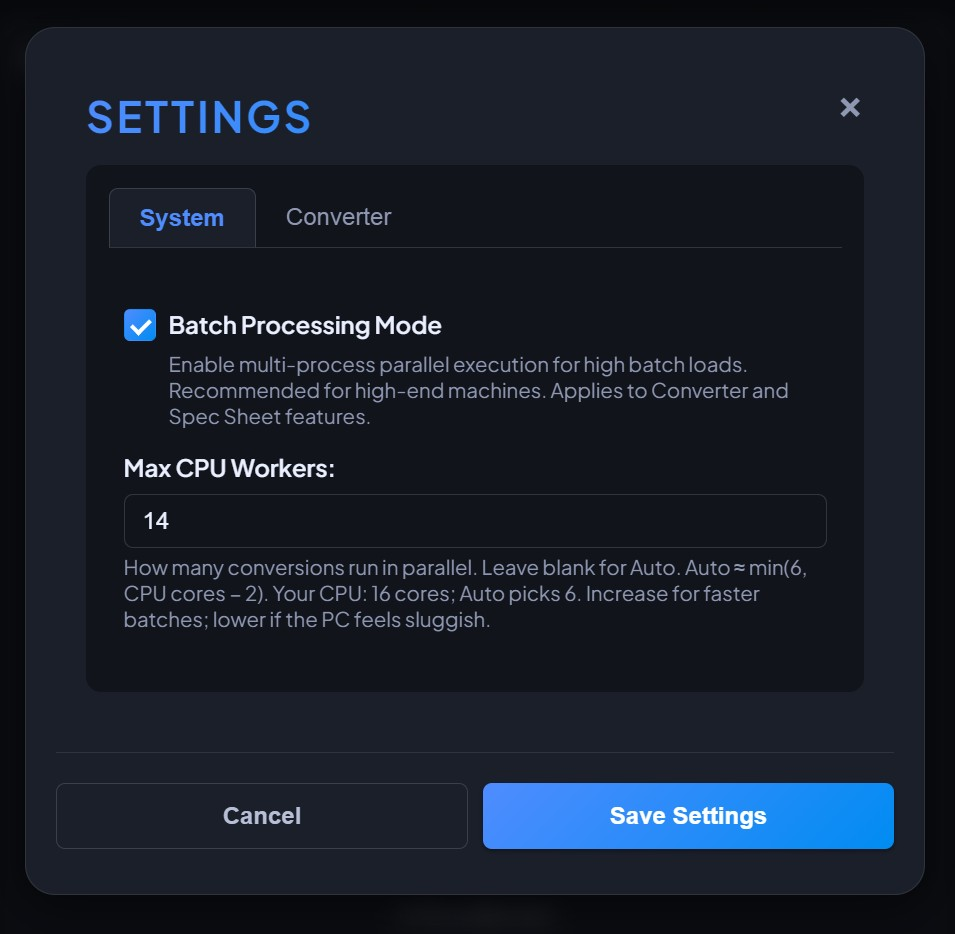
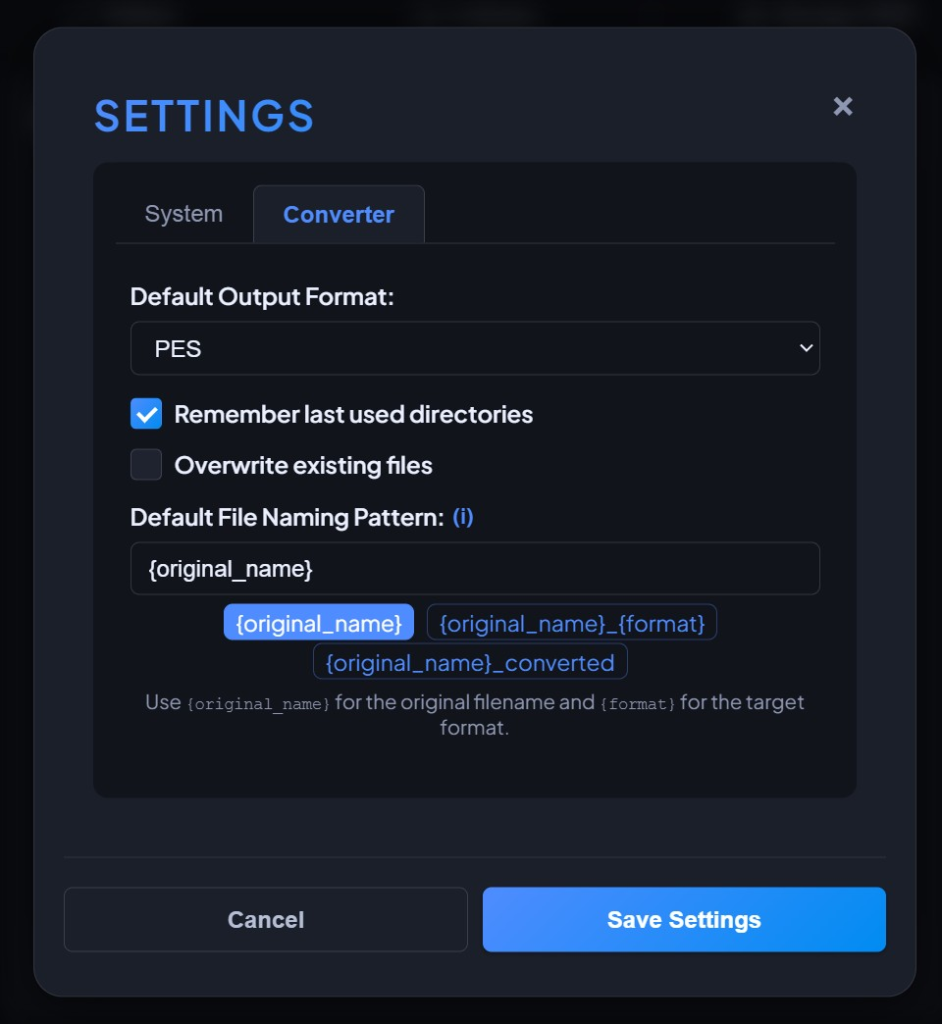
System & Converter Settings
Configure app-wide preferences in System Settings, and fine-tune conversion behaviour in the Converter Settings panel.
Light & Dark Mode
Click the sun or moon icon in the toolbar to toggle between light and dark viewing modes.
Ready to get started? Download the free version for your platform below.